 Google Reviews
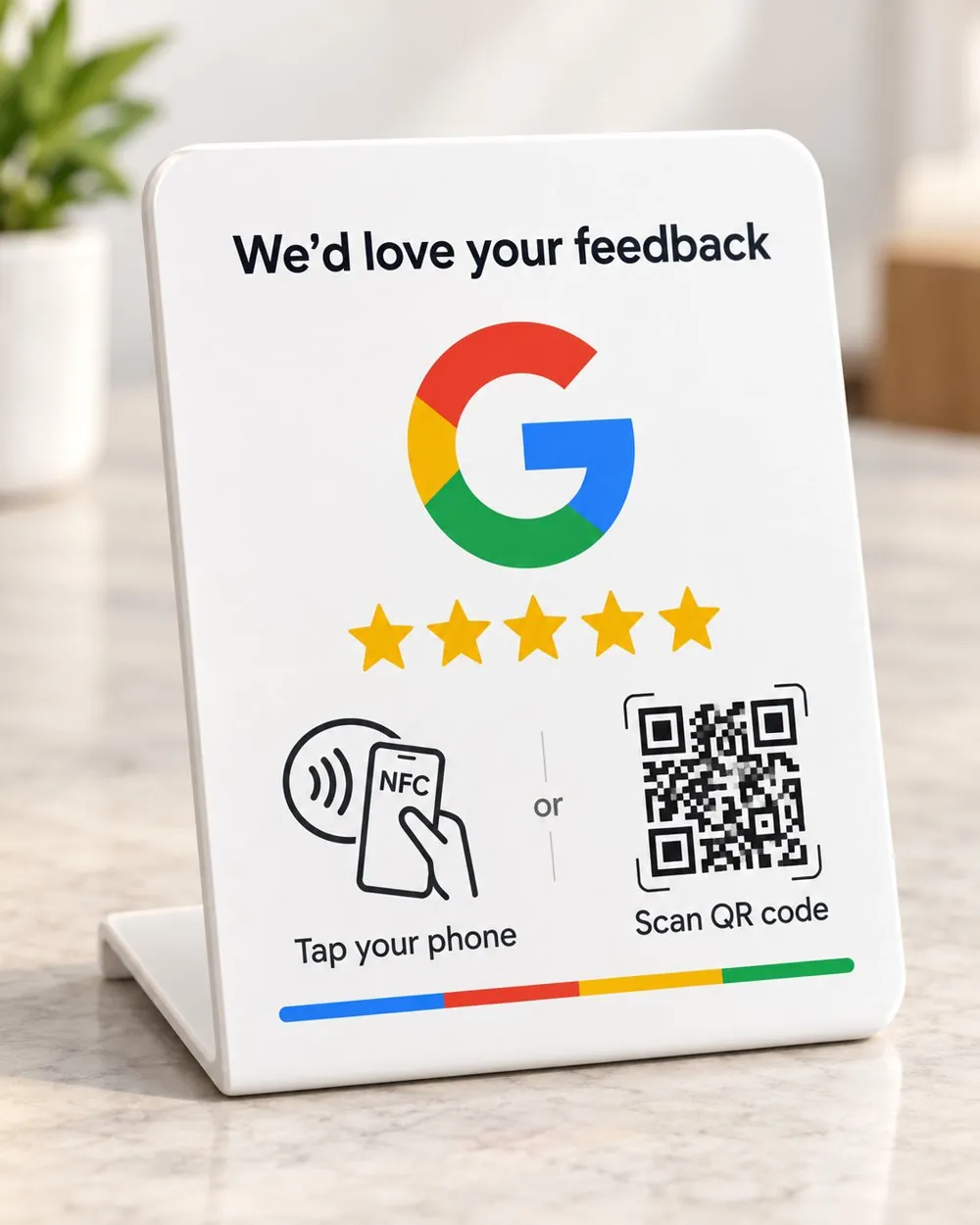
Google Review Stand
A crisp white counter stand that opens your Google review form in one tap, with a QR code for every other phone.
$45
Free shipping Australia wide · Buy once, no subscription
NFC + QR stands for Google & Instagram
Starzelo stands and cards send customers straight to your Google review page or your Instagram profile with a single tap of their phone. No apps, no searching, no awkward asking.

New Google review
+1 new follower
Buy once. Yours forever.
Pay one price and it keeps working for as long as you have it.
First impressions happen online
Before anyone visits, they search Google and scroll Instagram. Fresh, genuine reviews help you show up higher, and a lively feed shows you're worth the trip. The hard part was never the service, it was remembering to ask. Starzelo makes asking effortless.
Your business
The place down the road
Another option
Illustration only. Results vary by business and location.
Mia K.
Posting publicly
128
posts
2,341
followers
312
following
Your Business
Thanks for visiting! Tap follow for news & offers.
NFC & QR code review stands and cards
Every product is set up with your own Google review link or Instagram profile, and carries a QR code for phones without NFC.
Google ReviewsA crisp white counter stand that opens your Google review form in one tap, with a QR code for every other phone.
$45
Free shipping Australia wide · Buy once, no subscription
InstagramTurn foot traffic into followers. One tap opens your Instagram profile, ready to hit follow.
$45
Free shipping Australia wide · Buy once, no subscription
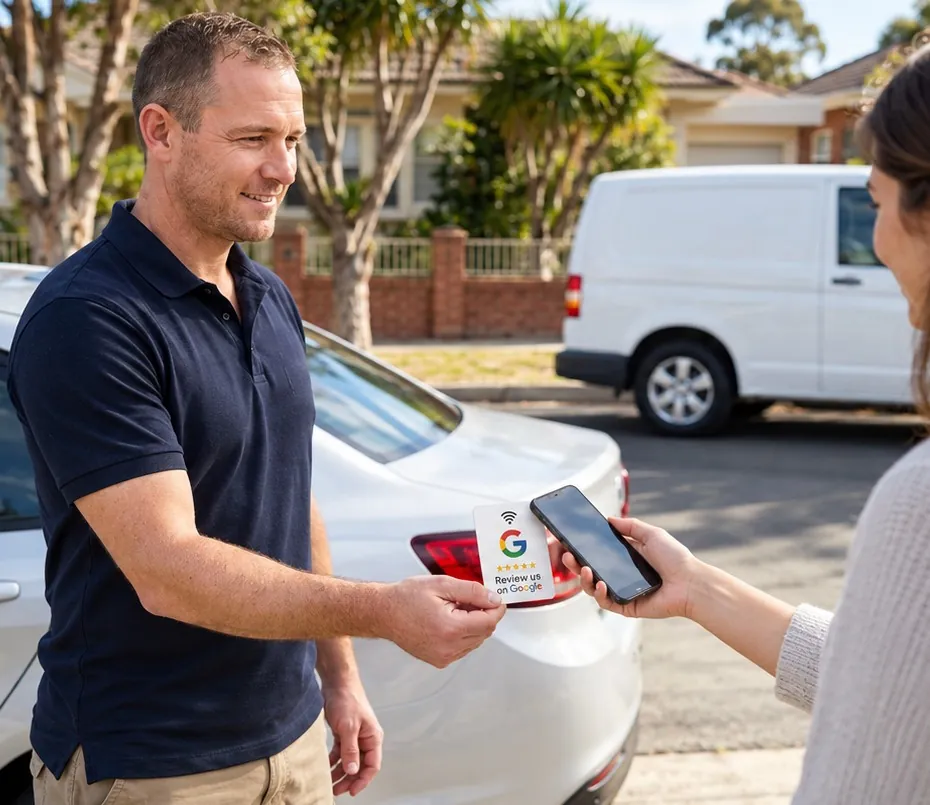
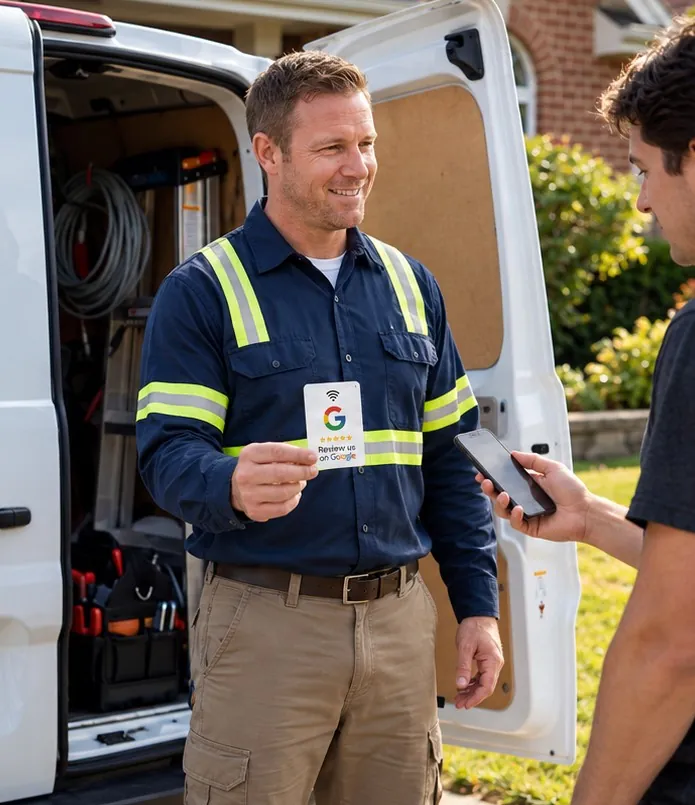
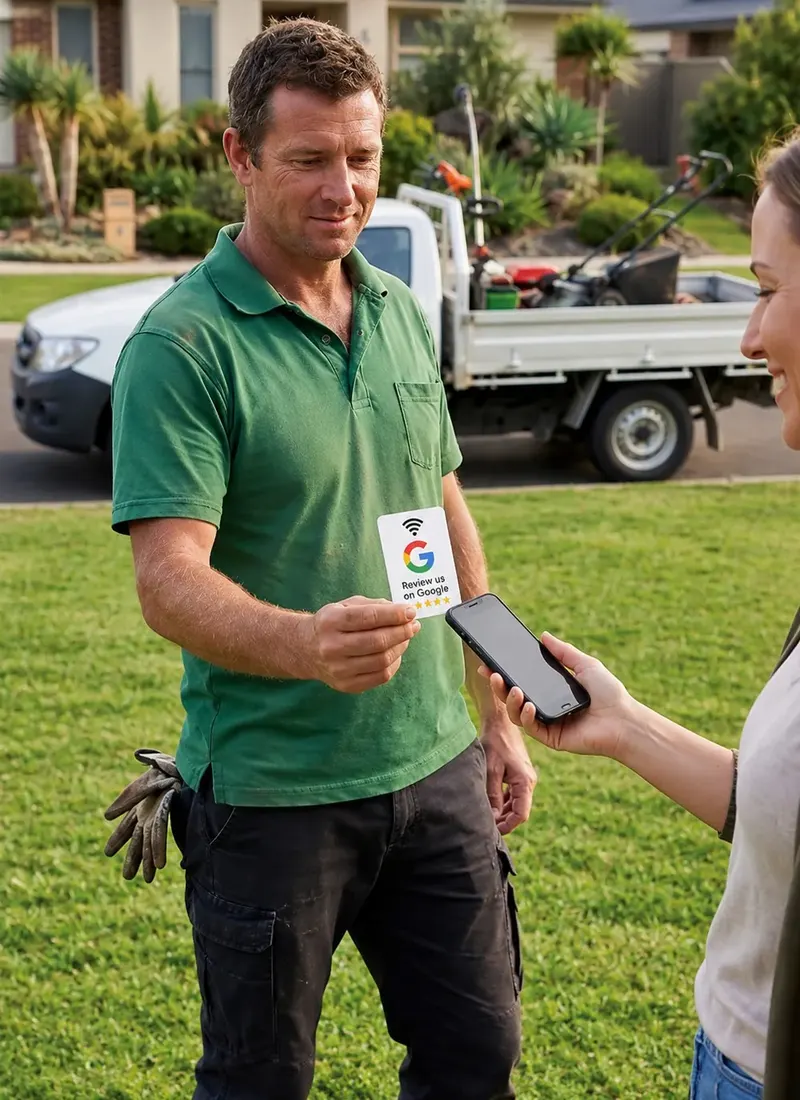
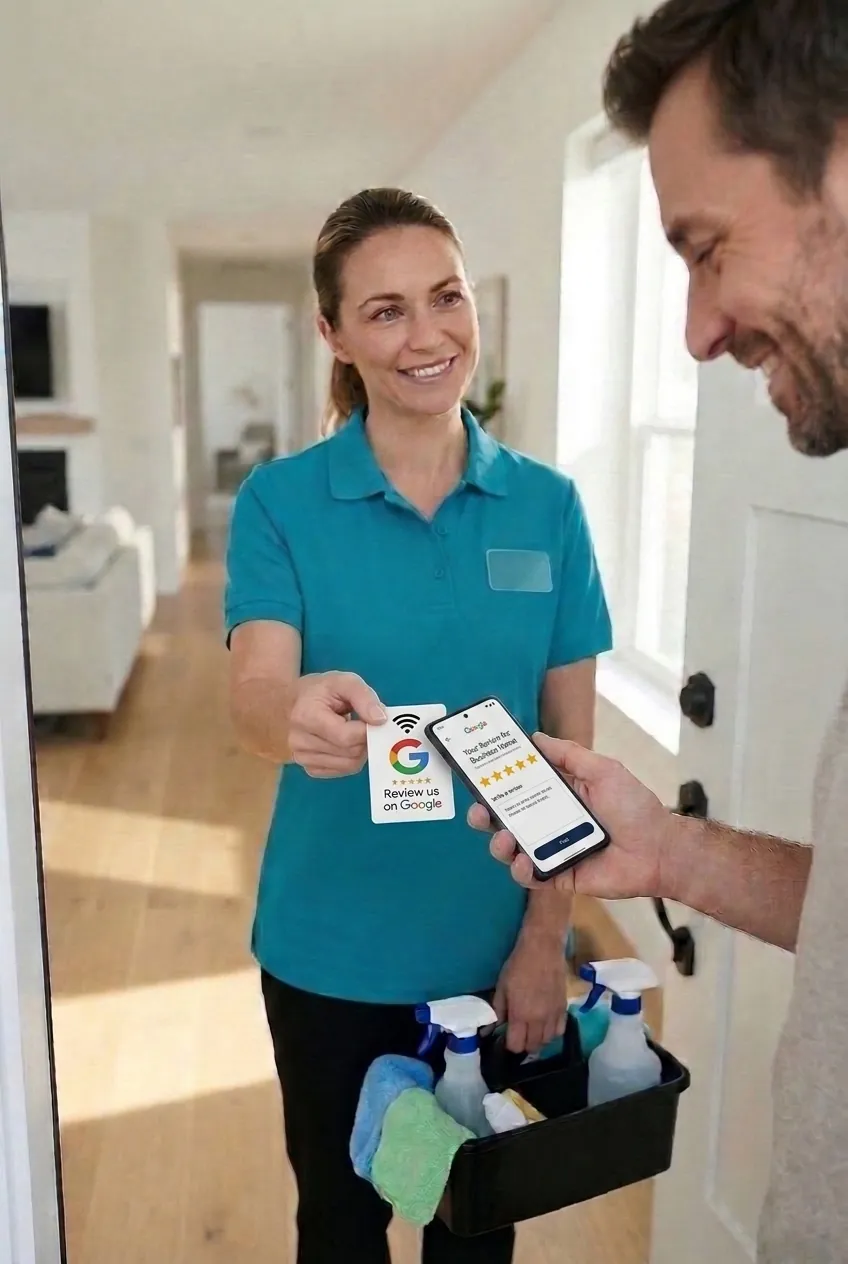
Mobile workMade for tradies, mobile groomers, cleaners and anyone who works on the road. Hand it over when the job's done and collect a review on the spot.
$35
Free shipping Australia wide · Buy once, no subscription
Bundle & save Save $20
Google + Instagram bundle for $70
Grab both stands and collect reviews and followers from the same counter. Free shipping Australia wide.

How it works
Stand on the counter, card in an apron. Wherever the good moments happen.
Any NFC phone opens your Google review page or Instagram profile instantly. Older phones simply scan the QR.
Customers leave a review or hit follow in seconds, while the experience is still fresh.
Built for the road
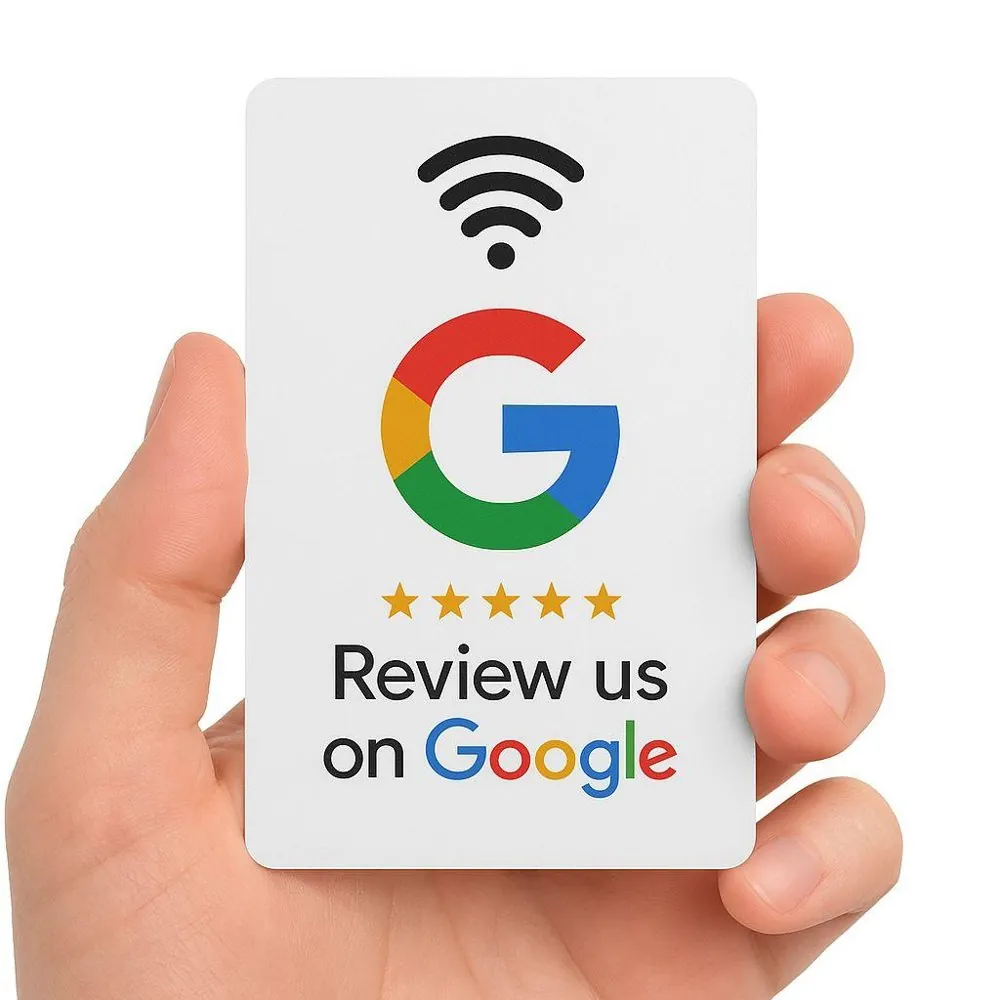
Keep a Google Pocket Card in the van. When the job's done and your customer is smiling, hand it over. One tap or scan and the review lands before you've even packed up.
Perfect for
Google Pocket Card $35 · Free shipping
Why Starzelo

Handing over a card says it for you. Customers get the hint, you keep the moment warm.
The review happens right there, not 'later tonight' when life gets in the way.
A crisp, minimal finish that looks at home on any counter and catches the eye.
Put a Google Review Stand on your counter and let happy customers leave five stars in seconds, right when the moment is fresh.
The same tap that wins Google reviews can win followers. Put an Instagram stand beside your Google one and let your feed fill itself.
Hand over a card and let it do the talking. One tap and they're on your review page.
The review happens on the spot, so good intentions actually turn into stars.
Clean, bright and easy to spot, so customers notice it and want to tap.
A steady stream of fresh five-star reviews helps you stand out in local Google results.
Our story
We started Starzelo after watching great local businesses lose out to louder ones online. Their customers loved them, they just never got round to saying so online. A single tap fixes that, and keeps the focus where it belongs: on the work you do.
Free shipping
Australia wide, on every order
NFC + QR in one
Every phone is covered
Real local support
Help linking Google & Instagram

Google Review Stand
$45 · Free shipping

Instagram Follow Stand
$45 · Free shipping

Google Pocket Card
$35 · Free shipping
Custom & bulk orders
Kitting out a franchise, a fleet of vans or a team of twenty? Tell us what you need and we'll put together a custom quote with bulk pricing.
1–9
units
Stands$45 ea
Pocket Card$35 ea
Standard price
10+
units
Stands$40 ea
Pocket Card$30 ea
Save $5 each
25+
units
Stands$35 ea
Pocket Card$25 ea
Save $10 each
50+
units
StandsQuote
Pocket CardQuote
Custom pricing
Prices are per unit. Free shipping Australia wide.
Multiple locations
Stands for every shopfront, all linked to the right Google page.
Whole teams
Pocket cards for every tradie, driver or stylist on your crew.
FAQs
Everything you need to know about using, setting up and troubleshooting your Starzelo card or stand.
There are two quick ways to connect with us using your card:
You can configure your review station instantly by following these simple steps:
Yes. If your business links change in the future, simply follow the exact same steps above. Enter your card's unique ID and Key, paste your new URL address, and click "EXECUTE BINDING" again to update the destination instantly.
No. This review link management system can be used indefinitely. There are absolutely no hidden fees, recurring costs, or monthly subscription charges to keep your links active.
If nothing happens when you tap, try these quick steps:
Most smartphones made after 2018 have built-in NFC tap capabilities. If someone is using an older device that doesn't support tapping, they can simply open their camera app and scan the QR code on the card to get to the exact same place.
No. The card does not extract, harvest, or store any personal data or banking information from your phone. It functions exactly like a digital signpost, safely redirecting your phone's browser directly to our official Google or Instagram pages.
Order or ask anything
Tell us what you need, how many, and anything about your branding. We'll reply with options and pricing.